

Services
Maintenance Requests
Tenant Center Registration Video
Tenant Center Access will allow you to:
- Submit and track Work Orders and Certificates of Insurance. Note: Access to complete these options is based on the property’s app subscriptions and may not be available for all tenants.
- Customize notification options - receive information via email and/or text!
- View and manage your contact information.
- Sign up for notifications containing critical property information such as updated policies, security procedures, building closings, etc.!
- Receive alerts pertaining to the latest news about the surrounding area like weather and traffic conditions!
- Stay current and improve your involvement in crucial property initiatives like sustainability and preparedness campaigns!
- Learn more and take better advantage of the available amenities and affinity programs at your property!
SIGN UP  SIGN IN

 |
Need Access?
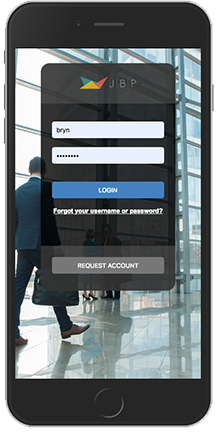
Download the App!
|


How to submit a Service Request:
- Select Service Request - Request Service;
- Click the circle, or choose from the drop down menu the service type you are requesting;
- Enter the location and a brief description relating to the request. Please enter any and all information that will assist management in locating and addressing the request.
How to submit a Reservation:
- Select Conference Room - Request Reservation;
- Choose “Select” next to the room you would like to reserve;
- Enter the details of your reservation.
Help Center
*Requires being logged into the Tenant Center.